
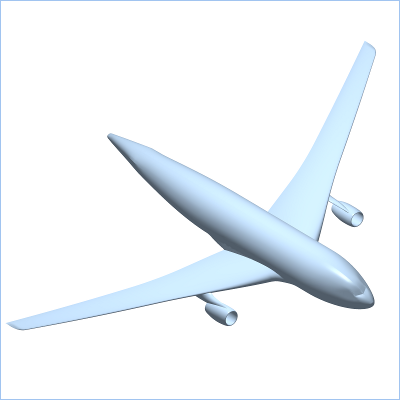
The Model object is the starting point for all
post-processing of Finite-Element and Finite-Volume analyses in
baspl++. Often, the user just needs to create
a Model object in order to create the depending
Field and NPart objects. Selecting
File->Open Model... from the main menu will open a
dialog where the MemCom-database to be loaded
into a Model object can be chosen. From the Python
environment, a Model object is created with
m = Model('airfoil.mc')assuming that "airfoil.mc" is a MemCom database.
This chapter is structured as follows: The relationships between
the Model object and the Field and
NPart objects are explained in Section 2. For more details about creating
Model objects, see Section 3. The graphical user interface, which
allows for inspecting nodes and elements, is described in Section 4. Some words about
MemCom-databases are found in Section 5. In Section 6 and in Section 7, the concept of enumerators and how
to choose between different models residing in the same database, is
explained. Finally, how to create
MemCom-databases from other file formats is
described in Section 8.
